
Three homepage directions
Same client copy, same colours, same photos. Only the design changes, so the three can be compared fairly. Each one is built for phones first, then widened for desktop.
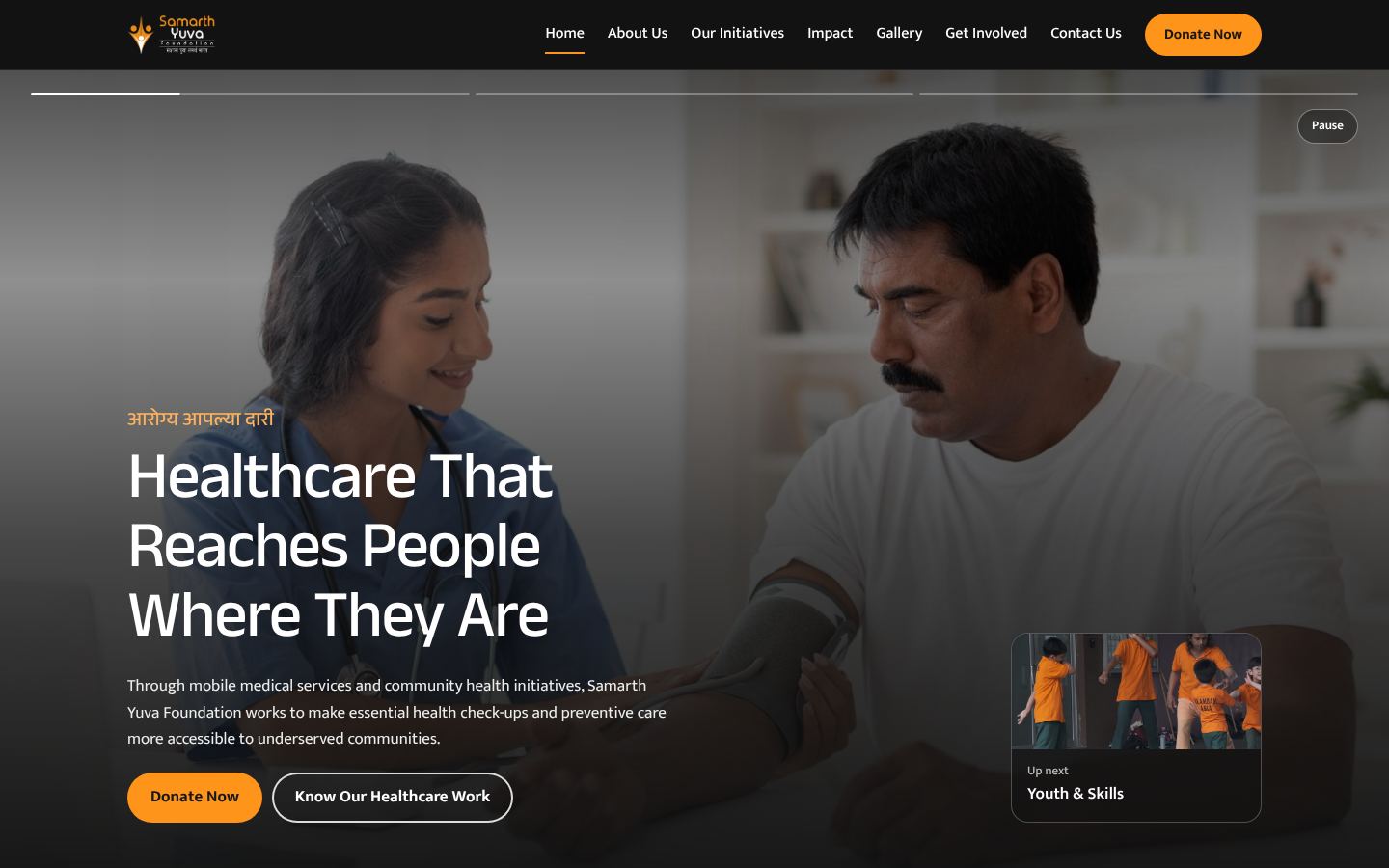
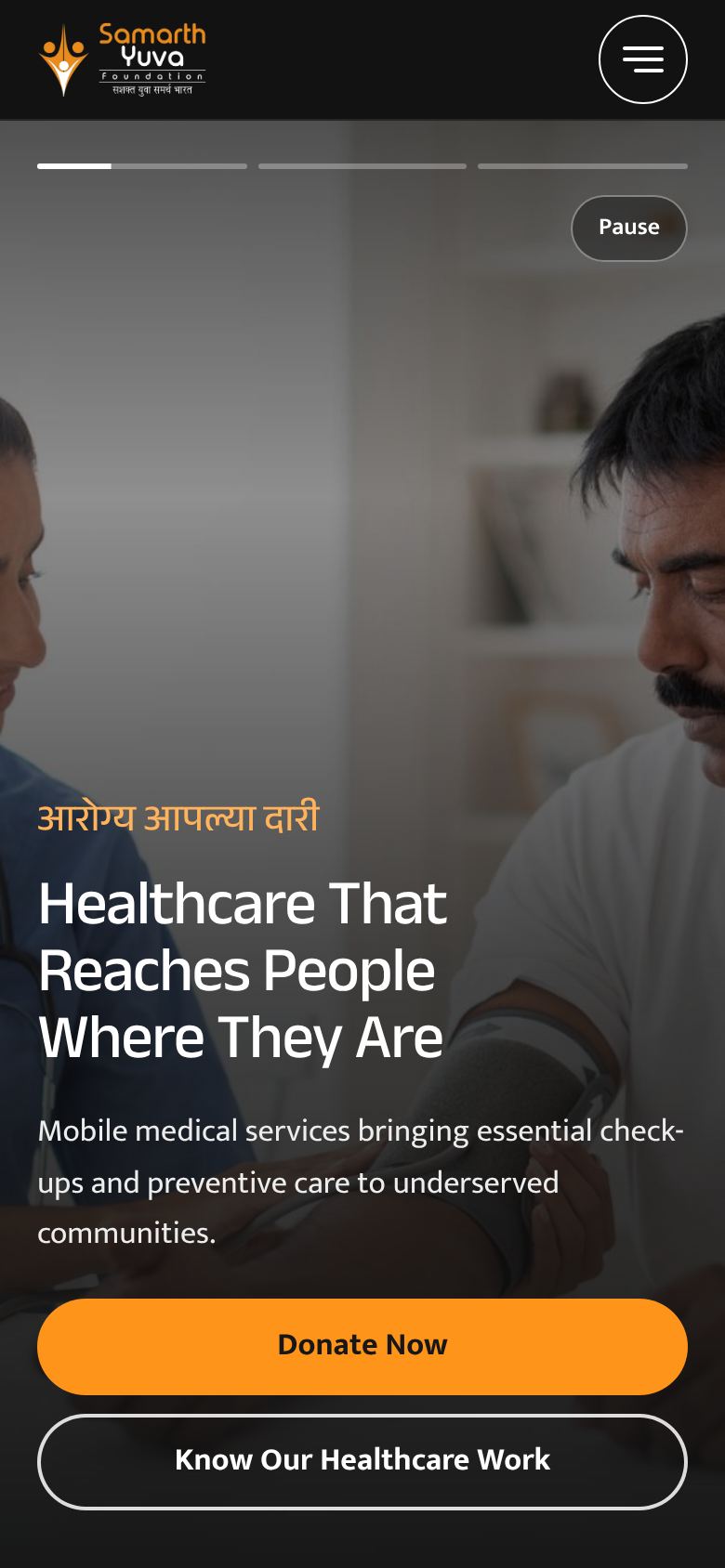
Option 1
Stories
Full-screen photo stories you tap through, like a phone story viewer. The work on the ground leads, with the numbers right behind it.
Open option 1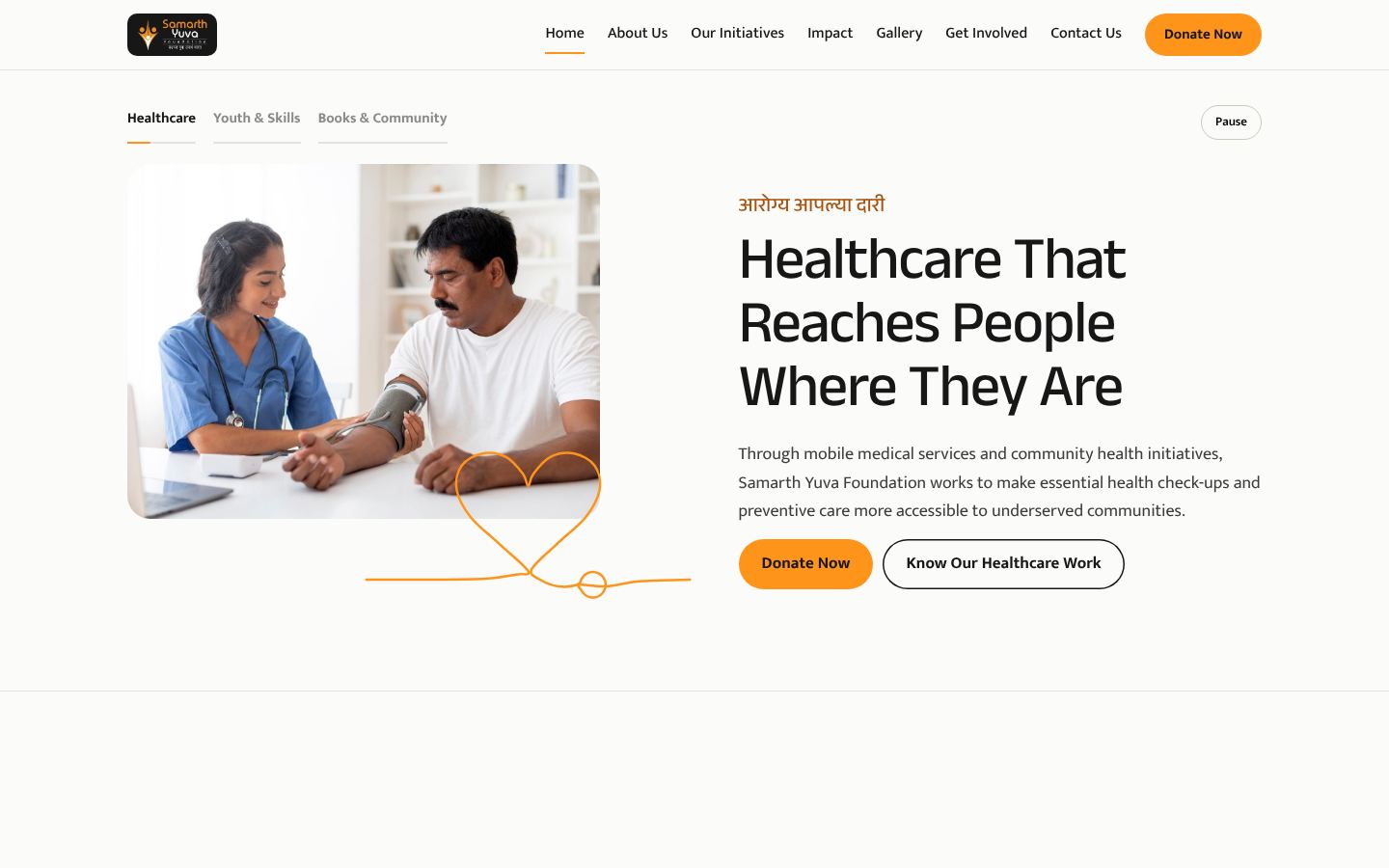
Option 2
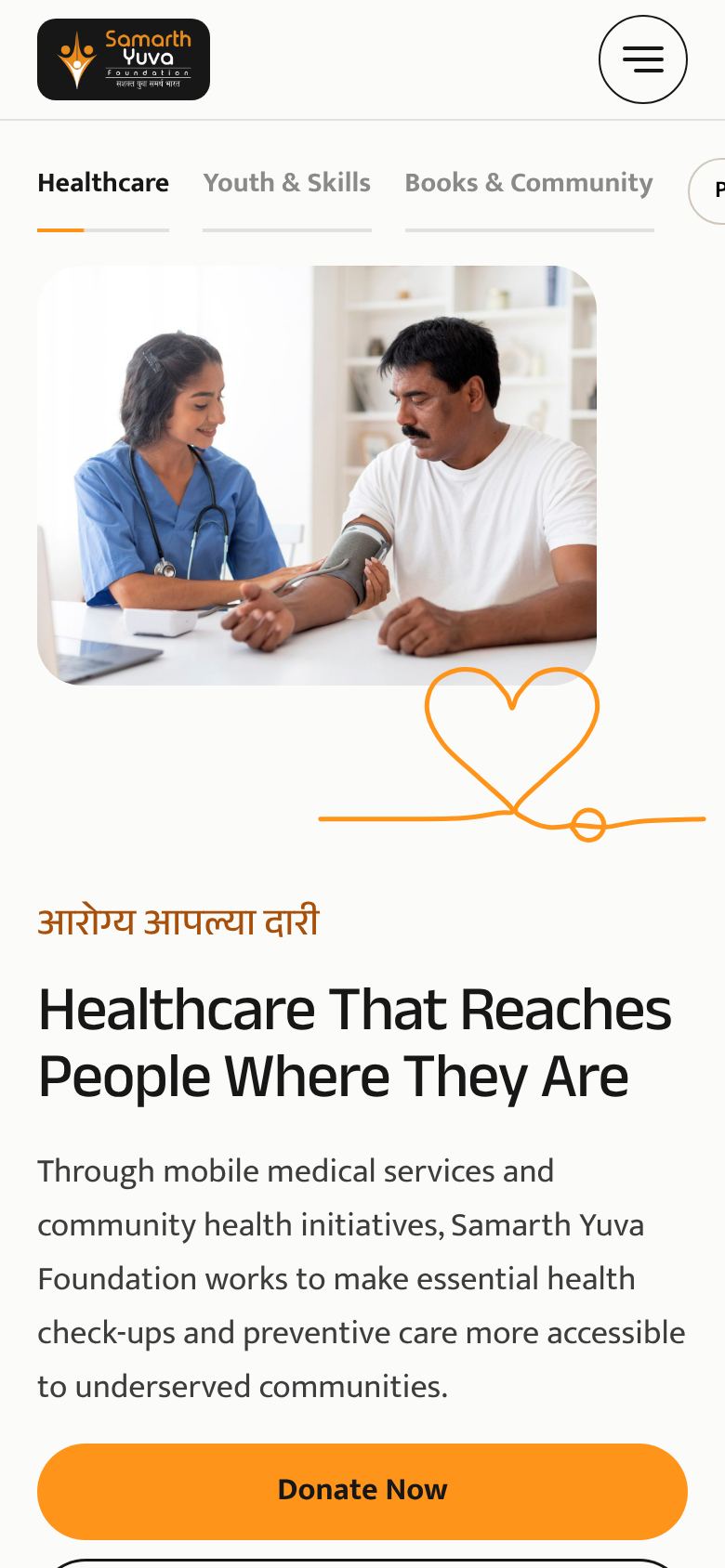
One Line
Light and modern. Every illustration is a single unbroken orange line that draws itself as you scroll, beside the photos.
Open option 2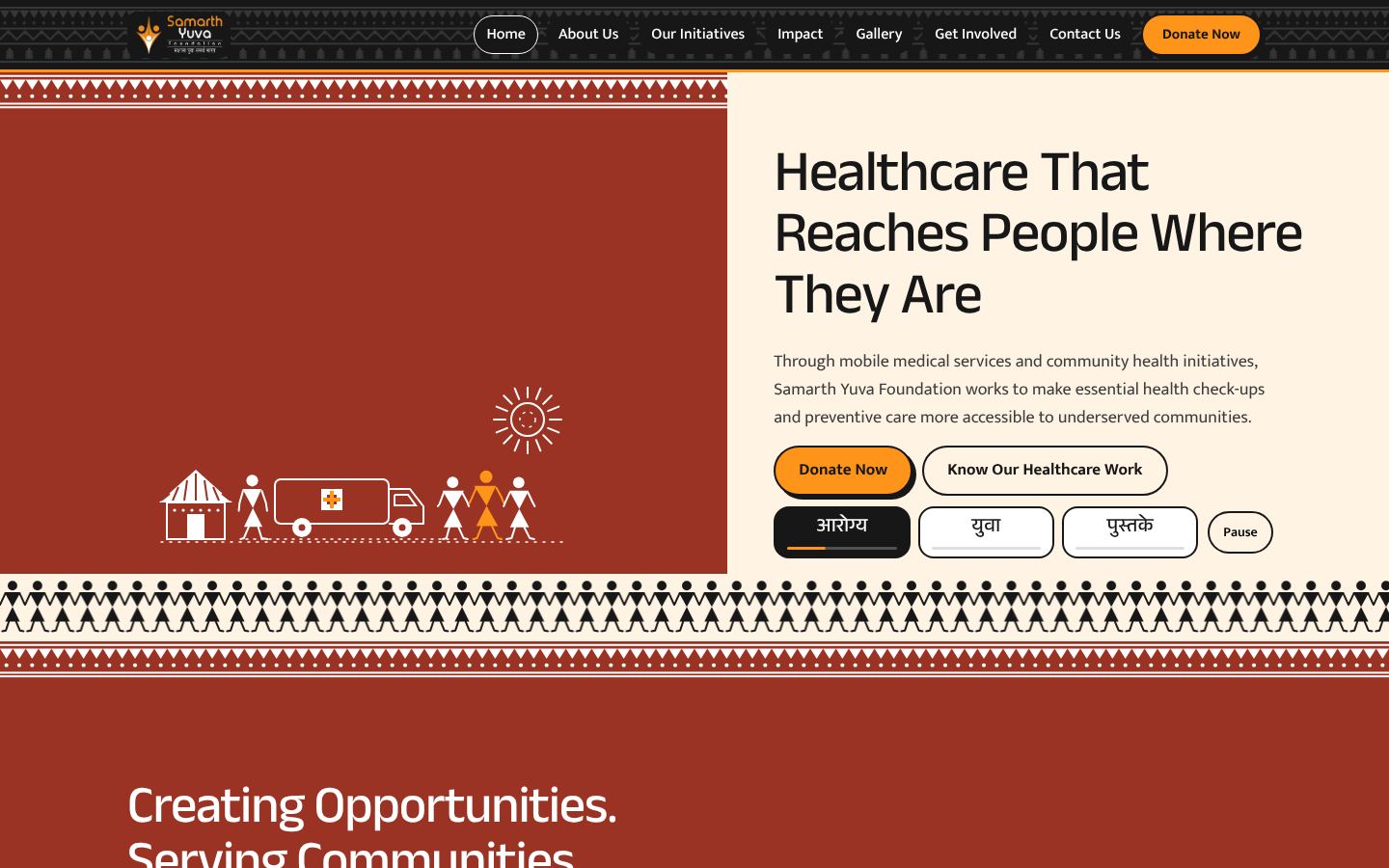
Option 3
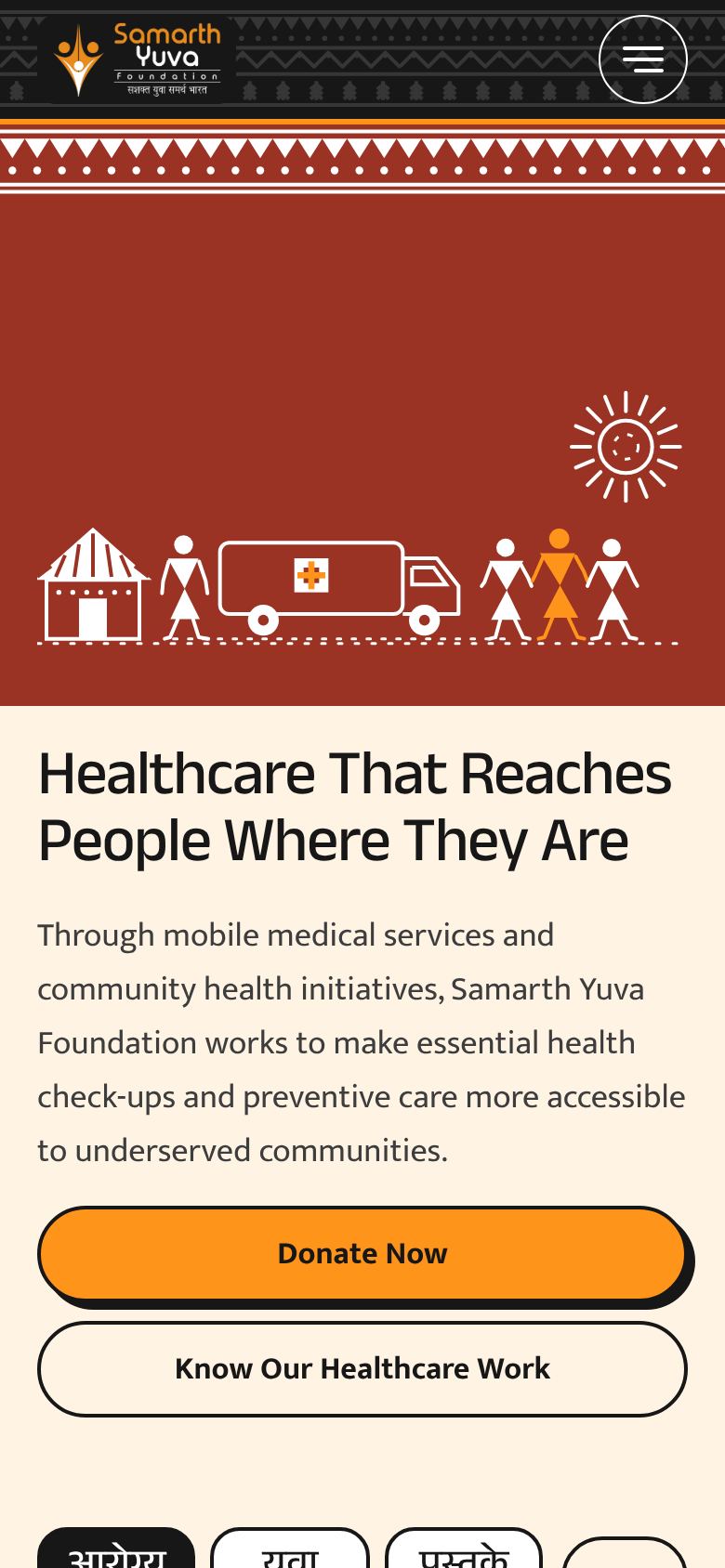
Warli
Traditional Warli figures in white on terracotta, framed by Warli borders. Rooted in Maharashtra, with Marathi labels throughout.
Open option 3Before this goes live
- Photos are Magnific stock, used for this presentation only. They will be replaced with the Foundation's own photos, with consent from the people shown.
- A photo of the Wari healthcare service is still needed.
- 3.55 lakh+, 4.5 lakh+ and 820+ come from the brochure and are awaiting approval. Other figures show [NUMBER] until confirmed.
- Testimonials, van locations and gallery captions are placeholders.
For the developer
- Swap a photo by saving a new file with the same name in
assets/photos/. Every page updates. - Colours, fonts and spacing live in
css/base.css. Shared parts are incss/components.css. - Each option has its own stylesheet, for example
css/option-2-one-line.css. - Illustrations are SVG files in
assets/illustrations/.